
Wind Amp в ReStory — это палитра цветов, а не усилитель и не устройство для ремонта. Купите её через компьютер мастерской: Home Depot → Color Palettes → Wind Amp, затем вернитесь к заказу и используйте цвета из этой коллекции.
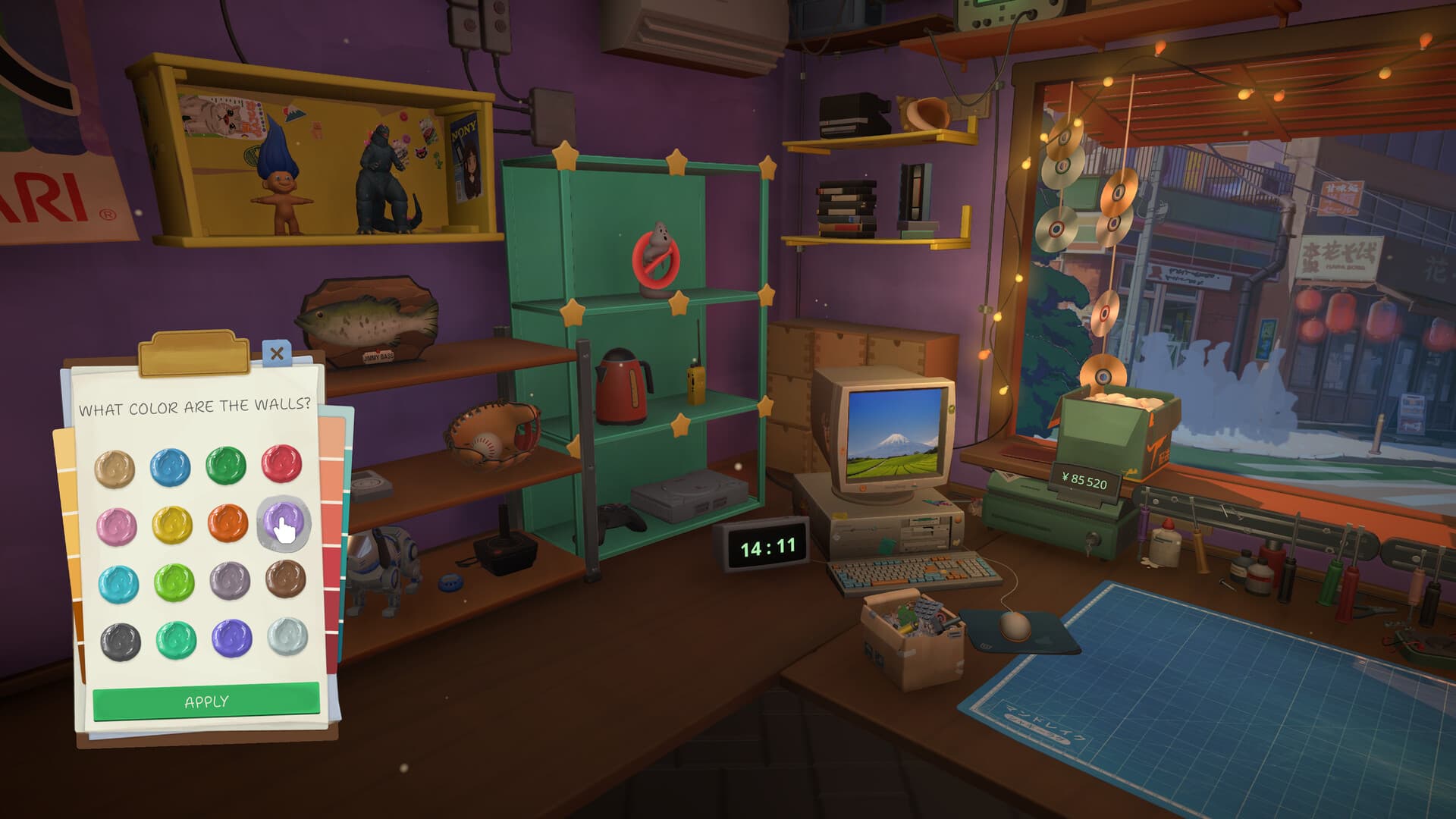
Где купить Wind Amp
- Откройте компьютер в мастерской.
- Зайдите в Home Depot.
- Выберите Color Palettes.
- Найдите и купите Wind Amp.
- Вернитесь к устройству и выберите цвета этой коллекции.
Палитра не открывается на верстаке или в самом окне покраски. Обсуждение Wind Amp подтверждает этот путь покупки.
Заказы Wind Amp и Freestyle
Если в заказе указана Wind Amp, требуется именно эта палитра. Похожий цвет из другой коллекции может не увеличить прогресс.
Freestyle — это тип заказа, а не палитра для покупки. Если заказ помечен как Freestyle, используйте доступные цвета и не ищите в Home Depot коллекцию с таким названием.
Что проверить, если прогресс остаётся на 0%
- Убедитесь, что в заказе действительно указана Wind Amp.
- Проверьте в Home Depot, что палитра уже куплена.
- Вернитесь к нужному устройству и выберите цвет Wind Amp.
- Нанесите один цвет и проверьте прогресс, прежде чем красить дальше.
- Посмотрите, не осталась ли другая задача: очистка, ремонт или прошивка.
Если заказ Freestyle остаётся на 0% после правильной покраски, это может быть ошибка игры. В отмеченном разработчиком ответе в обсуждении прогресса аэрографа игроков просят отправить баг-репорт. Приложите название заказа, устройство, выбранный цвет, версию игры и снимки экрана заказа и покраски.
Перед покупкой других палитр
Покупайте коллекцию под реальный заказ, а не открывайте все палитры сразу. Сравните награду со стоимостью палитры и деталей. Руководство по рынку поможет финансировать подтверждённые заказы, а руководство по очистке пригодится, если оставшийся прогресс связан с грязью, а не с краской.